
Find and group apps
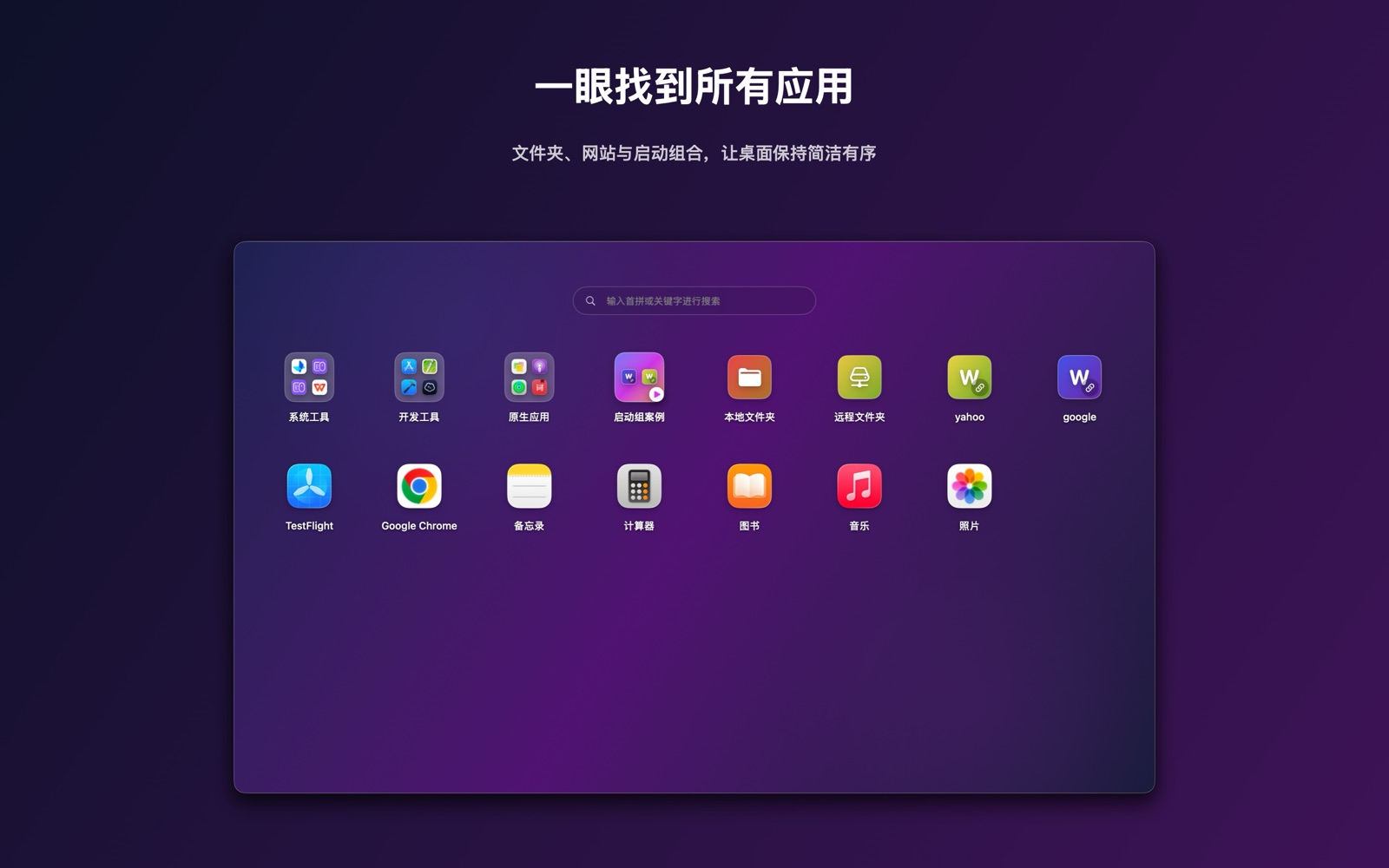
Find apps by name or pinyin, drag to reorder, and organize folders. App grouping changes the launcher layout only.
We create practical macOS tools with clear interactions, reliable on-device experiences, and transparent privacy practices.
QuickLight
Find and open apps with familiar grids, folders, and search. Switch to VIP file mode for two-pane browsing, copying, and moving. Review organization and batch-renaming results before applying them.
Designed for focus
Work your way and confirm important changes yourself. File mode and AI organization are VIP features.
Find apps by name or pinyin, drag to reorder, and organize folders. App grouping changes the launcher layout only.
Open different folders side by side, search file names, and copy or move items. Keep frequent folders within reach.
Review AI app grouping before applying it. Compare old and new file names before confirming a batch rename; local rules are also available.
We create practical macOS tools with clear interactions, reliable on-device experiences, and transparent privacy practices.
Find and open apps with familiar grids, folders, and search. Switch to VIP file mode for two-pane browsing, copying, and moving. Review organization and batch-renaming results before applying them.
Work your way and confirm important changes yourself. File mode and AI organization are VIP features.