
Capture your way
Capture a region, fixed ratio, window, current display or all displays, or reuse the previous region.
Capture, annotate, pin and edit from the menu bar. Keep references visible and everyday actions one shortcut away.
Designed for focus
Handle everyday screenshots and edits together, with advanced tools when you need them.
Capture a region, fixed ratio, window, current display or all displays, or reuse the previous region.
Add arrows, shapes, brush strokes, text and numbers; use magnifier and focus effects to highlight details.
Pin an image to your desktop, move, resize or crop it, adjust opacity, and temporarily hide all pins.
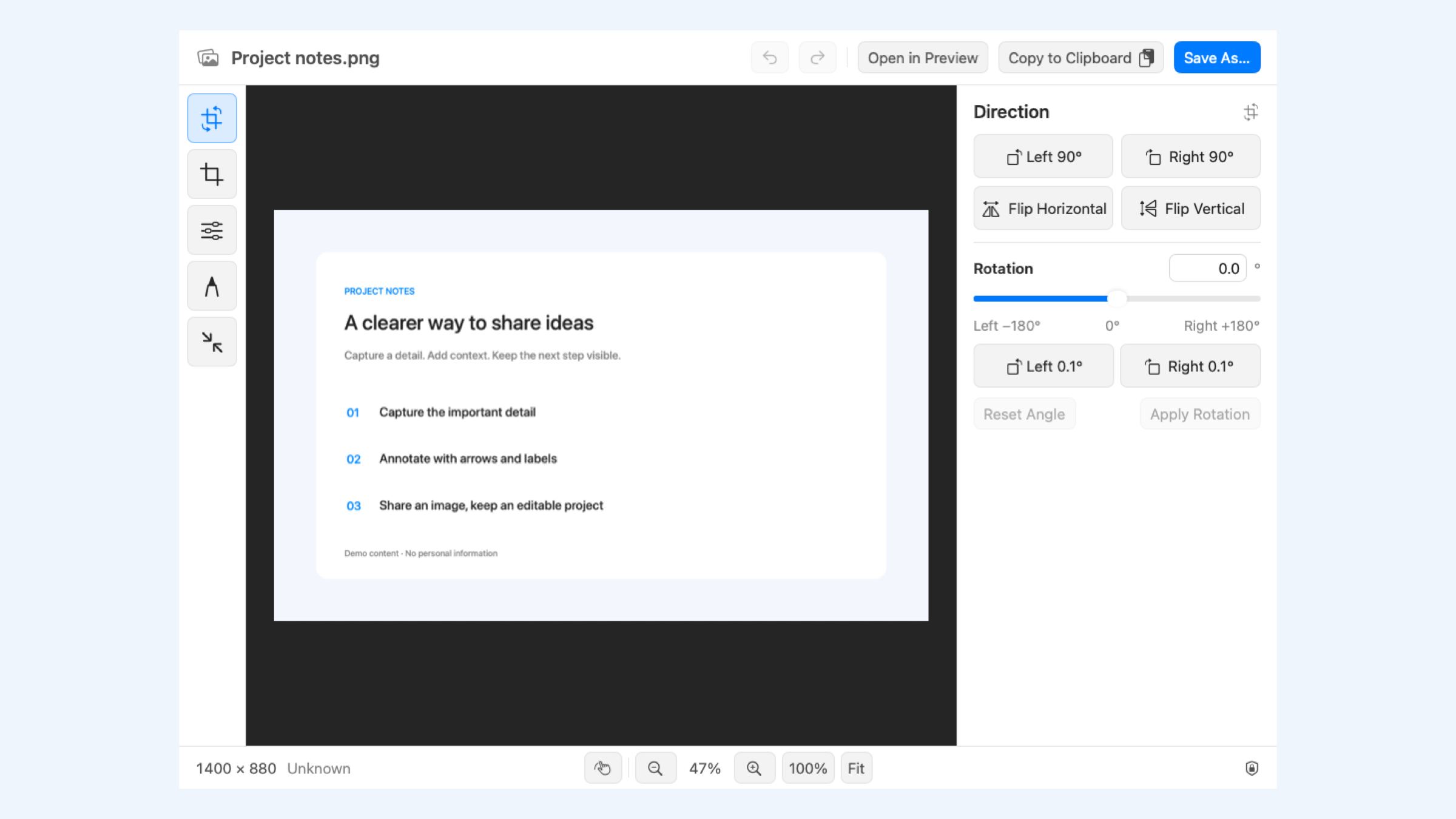
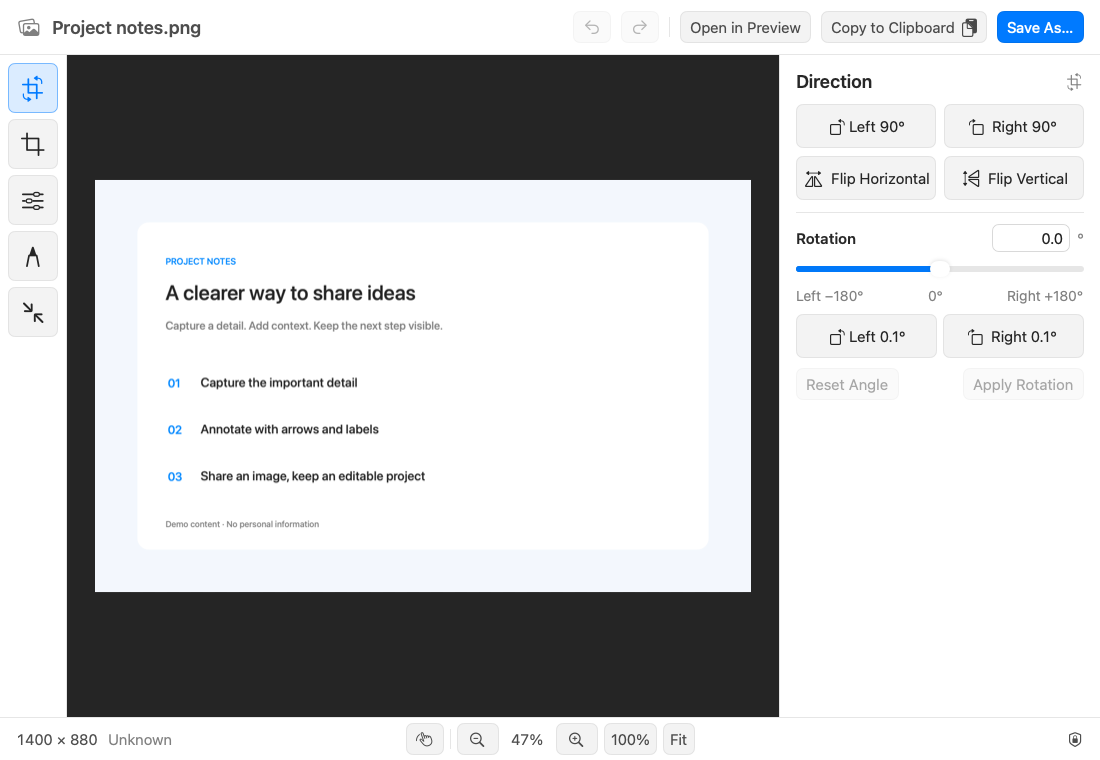
Crop, rotate, adjust colors and work with layers. Save a .qlshot project to continue editing later.
Keep history locally with retention limits. Optional export checks flag possible QR codes, phone and ID numbers; manual review is still needed.
Automatically scroll and stitch supported windows. Use local or external OCR and model-based translation. External service fees are separate.
Highlights / 3
Rotate, crop, adjust colors and work with layers in the editor. Export PNG, JPEG or HEIC, or save an editable .qlshot project for later.
Highlights / 4
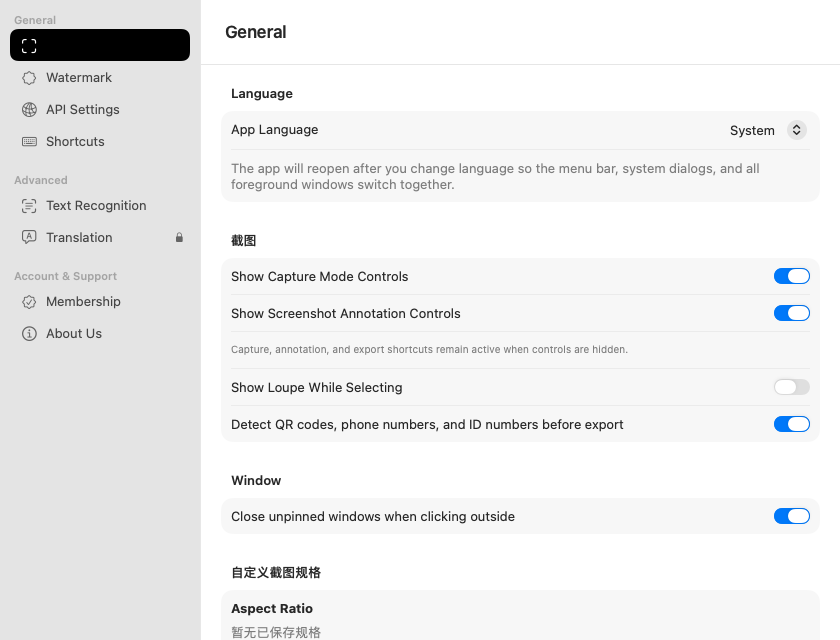
Customize capture specifications, save location and shortcuts. Enable watermarks and local privacy checks as needed, and set history retention limits.
QuickLight
Requires macOS 14 or later. Ordinary capture needs Screen Recording access; scrolling capture also needs Accessibility access. Scrolling capture, OCR and translation require valid VIP authorization. Check the member center and verified local license for entitlements and device limits. External OCR sends the selected image; model translation sends recognized text. Provider fees are separate. Privacy detection can miss items or flag harmless content, so inspect the final image. Editable projects retain original pixels and layers and should not be shared as redacted files. Check Downloads for release availability.