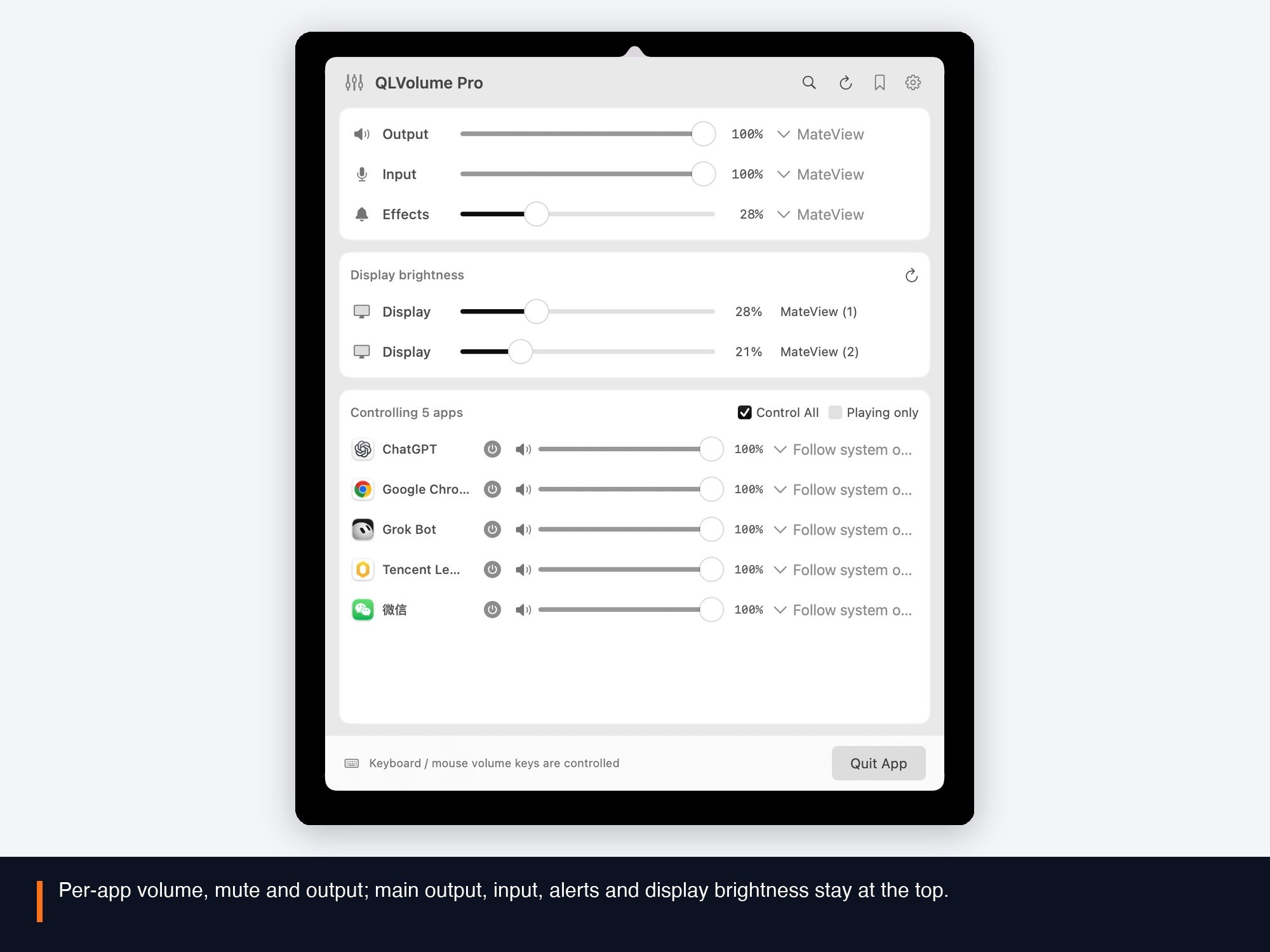
Per-app volume and mute
A separate slider and mute for every app, without hunting through player settings.
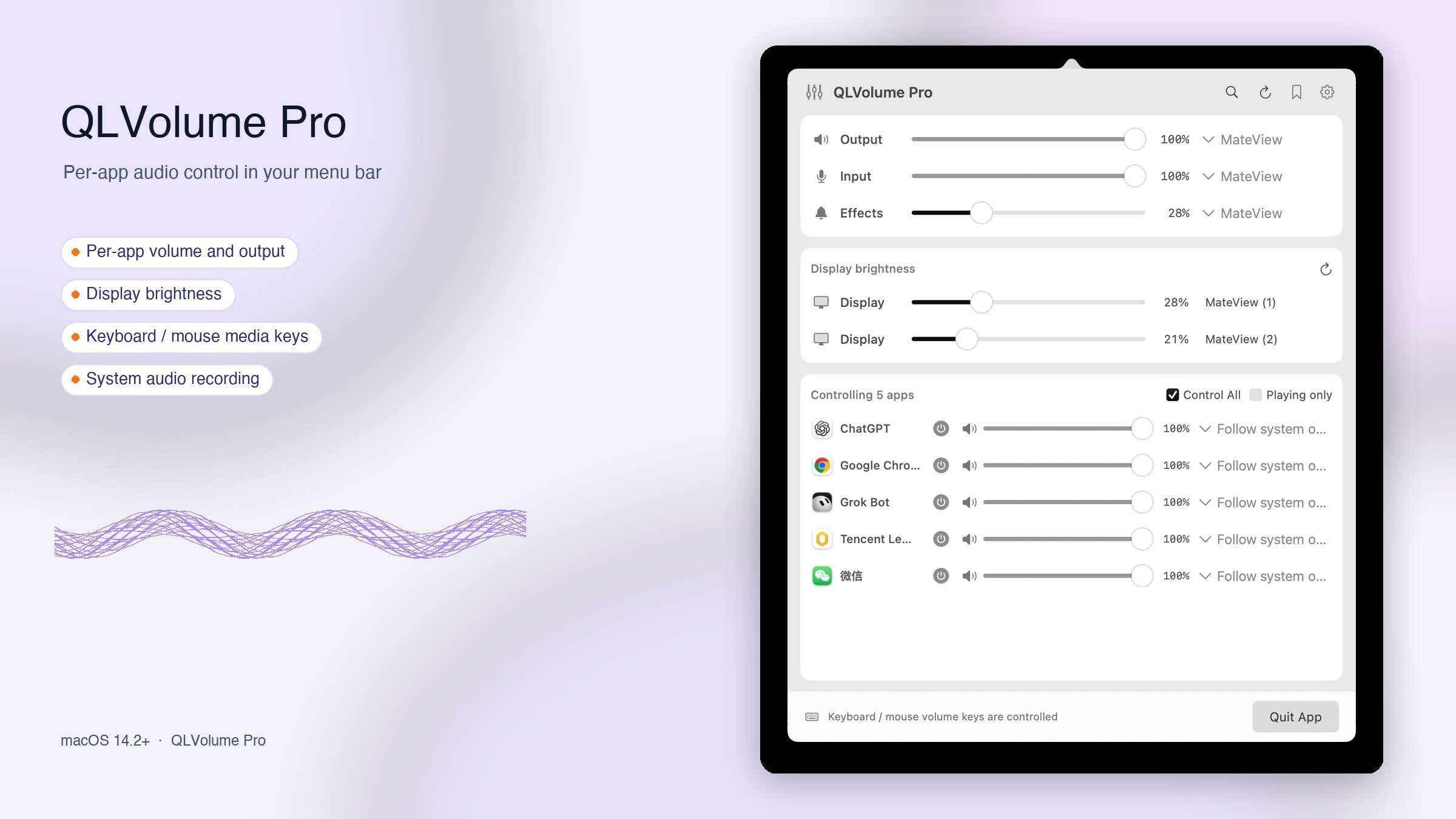
QLVolume Pro brings per-app volume, output switching, scenes, display brightness and system-audio recording to one menu bar panel. macOS 14.2 and later. 30-day trial.
Designed for focus
All running on your Mac. Availability depends on your Mac, devices and apps.
A separate slider and mute for every app, without hunting through player settings.
Choose an output for a controlled app, or let it follow the system output.
Select system input, output and alert devices, and adjust supported volume controls.
Save devices, volume, app settings and brightness; recall them from a scene or shortcut.
Adjust supported display brightness per screen, with re-detection after hot-plug or wake.
Mix system audio and your microphone into a recording app through QLVolume Input; turn it off to restore the physical input.
Highlights / 3
A separate slider, mute and output menu for every app; main output, input, alerts and display brightness stay at the top.