

Last updated: October 31, 2026
Scope
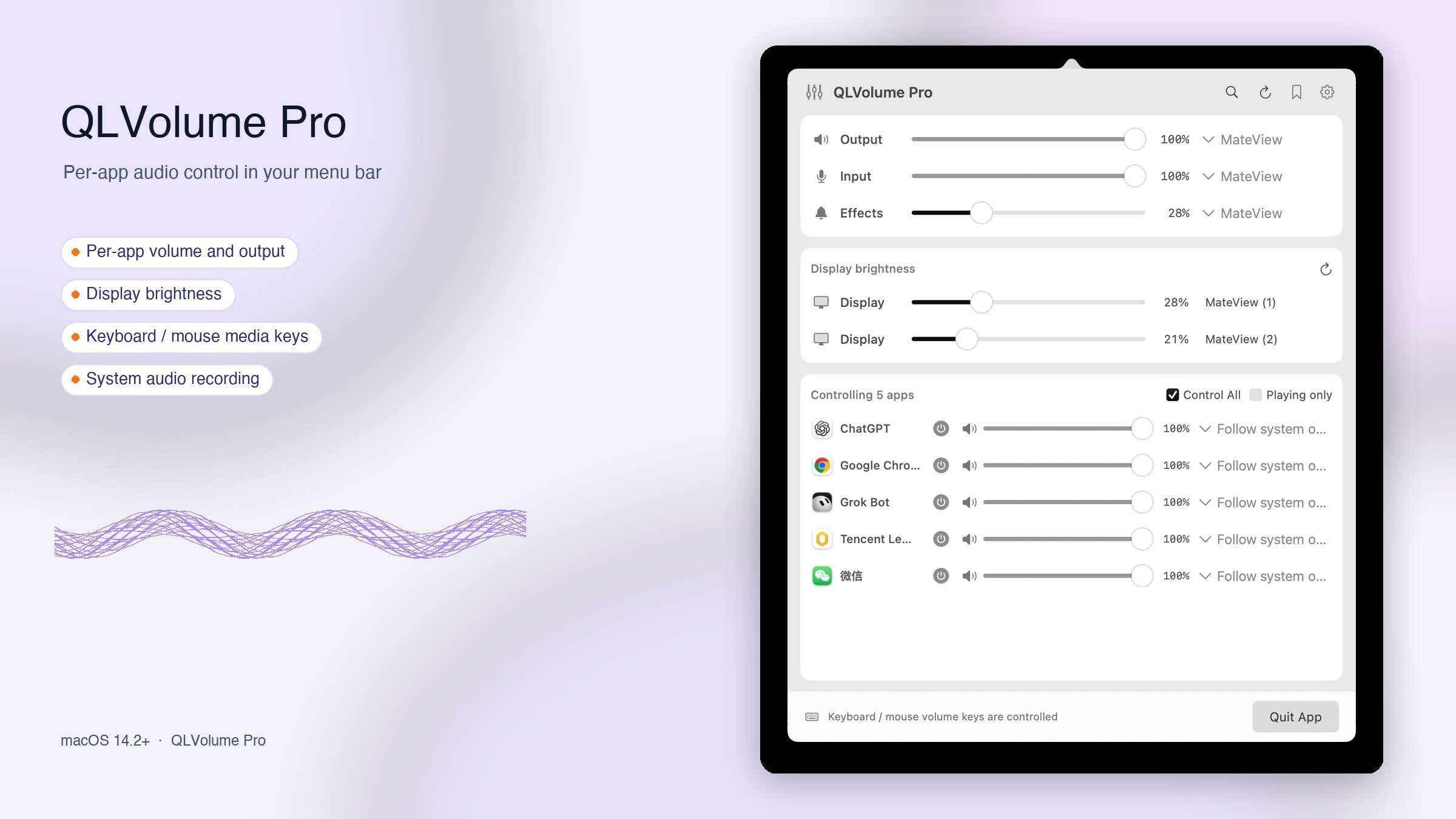
This policy covers the free Mac App Store edition of QLVolume and the QLVolume Pro Direct edition. Their account and system features differ as described below.
Audio and local settings
QLVolume processes audio in memory on your Mac for app volume, mute and output routing. QLVolume does not save or upload audio content. App rules, volume, device nicknames, appearance, scenes and shortcuts are stored locally, inside the sandbox for the Store edition. Diagnostics are not uploaded automatically; they enter the clipboard only when you choose to copy them.
Free Store edition
The Store edition requires no registration, sign-in, website trial or device activation. It does not submit device serial numbers, public keys or hardware identifiers. It installs no virtual audio driver and does not start physical microphone capture when the panel opens. The macOS system audio permission is used for app audio processing you enable and can be managed in System Settings.
Pro recording input and permissions
When you enable system-audio mixing in Pro, it can capture your selected physical microphone and send microphone and system playback audio to QLVolume Input. The third-party recording or voice app you choose determines whether that input is recorded, stored or uploaded under its own policies. Turning mixing off returns to your physical input. Opening the QLVolume panel alone does not start microphone capture. Media-key control uses the relevant system permission; it is not used to record text typed on the keyboard. Permission names vary by macOS version.
Pro account and device authorization
Pro membership and device authorization use www.qlmf.com. Connection and activation submit the product identity, a device-identity digest, serial number, device public key and signed requests to manage trials, membership, device binding and license verification. The device private key stays in the Mac Secure Enclave; account credentials and licenses are stored in Keychain. Account and authorization records remain on the website to provide entitlements, verify devices and prevent repeat trial claims. Signing out does not automatically delete a valid local license. Contact us below to ask about account records.
Website requests and external links
Software recommendations load public product information without account credentials, device identifiers or local file content. Website, membership, privacy and support visits may involve IP addresses and request logs needed for network service. Website activity is governed by its applicable privacy rules. QLVolume does not use advertising tracking or sell audio or personal information.
Your choices and contact
You can disable features, revoke permissions in macOS System Settings or uninstall the app. macOS may retain preferences after uninstallation, and website account records are not automatically deleted by uninstalling. For privacy or support questions, contact h1393505@gmail.com and specify QLVolume or QLVolume Pro.