

Release history
Latest 1.1.11.1.1Direct edition · Update experience and photo library menu improvements Latest
Improve the update flow with source selection, checks, downloads, and installation in one window, including actual download and extraction progress.
Fix Recheck not responding after installation and restart, retain the selected update source, and clearly show when the current version is up to date.
Use Install and Restart App consistently for the installation button.
Simplify photo and background context menus while retaining Settings and Move to Display; hide single-photo editing for multiple selections and show Copy to Other Pane only when its destination is available.1.1.0Direct edition · Files, search, and image editing
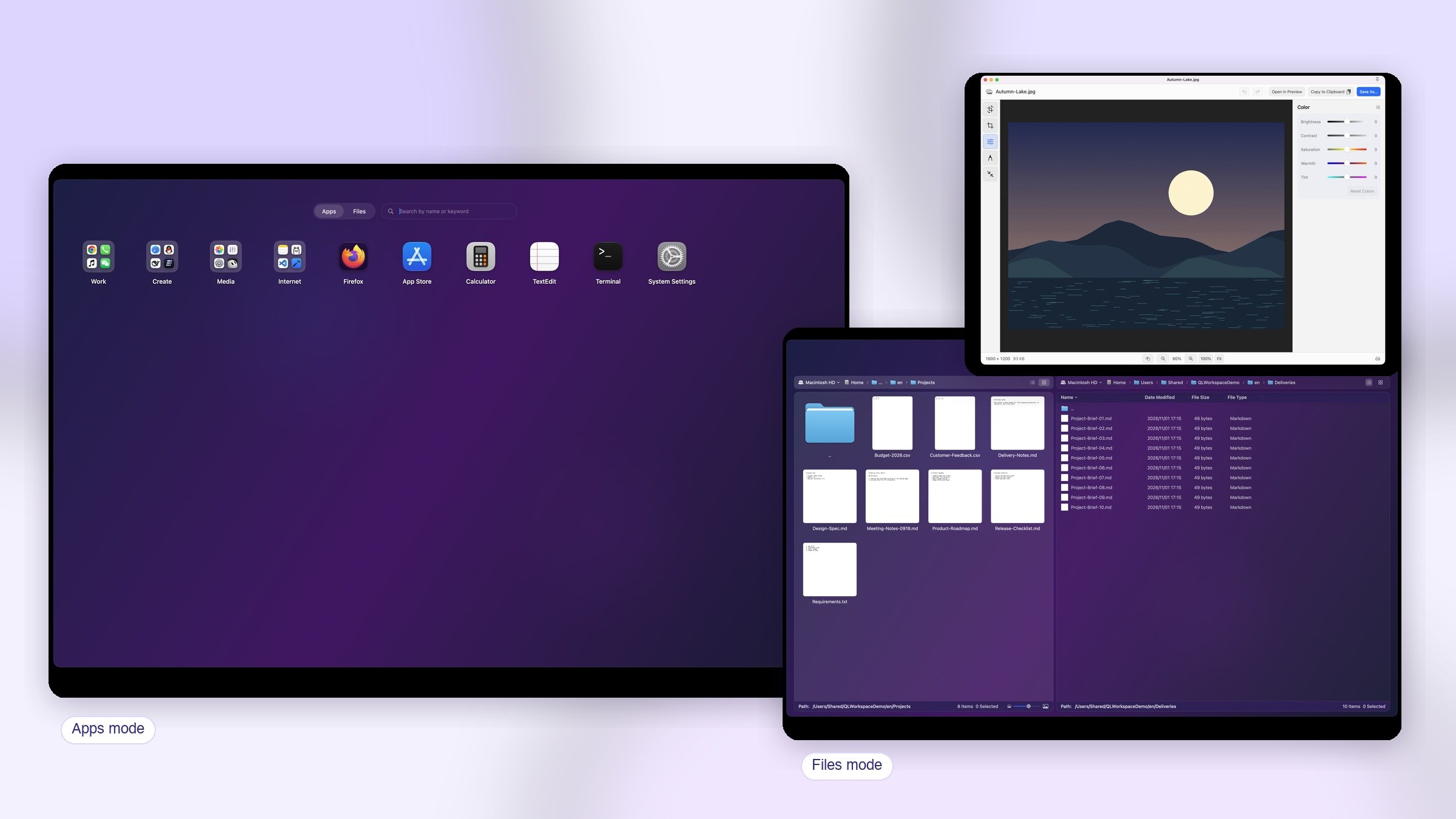
Adds dual-pane files, the photo library, file templates, advanced search, batch rename, AI rename, image editing, and smart organization. File browsing and image editing are free. Advanced search, batch rename, smart organization, themes, and cloud backup require VIP.
1.0.0Direct edition · First public release
App grids, folders, Chinese-aware search, menu bar access, and launch groups.