
App grids and folders
Drag to arrange; hold Command to create or move folders. Only the launcher layout changes.
Organize apps, compare folders, rename in batches, edit images and search locally—all in one Mac window. Runs on macOS 14 or later, Apple silicon and Intel Macs. Available from the Mac App Store or as a direct download.
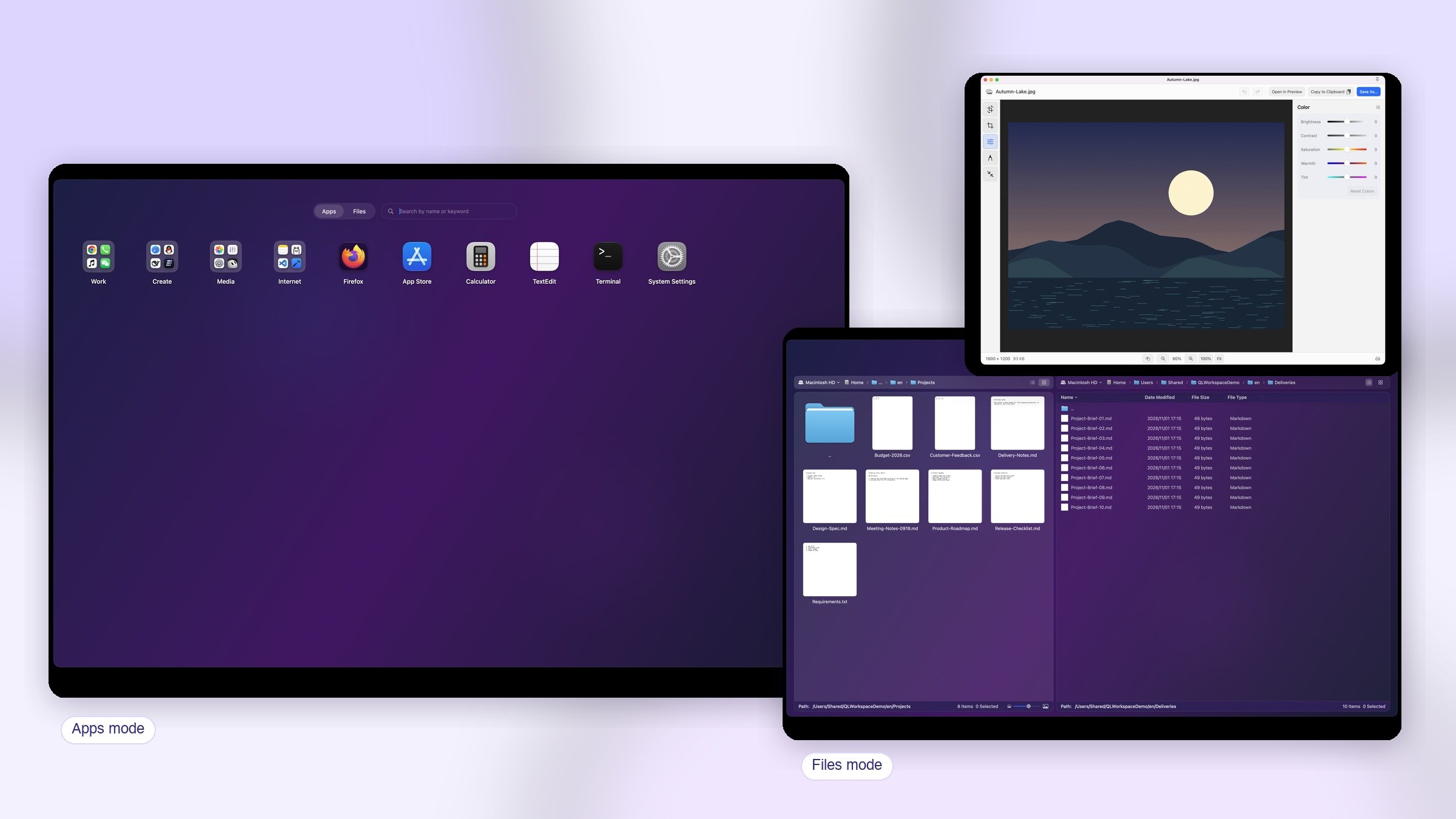
Designed for focus
From opening apps to organizing files, renaming in batches and editing images—everyday actions in one place.
Drag to arrange; hold Command to create or move folders. Only the launcher layout changes.
Find apps by name, full pinyin, or initials, then open with the keyboard.
Pin apps, folders, and launch groups to the menu bar.
Save a set of apps or files as a launch group and assign a system-wide shortcut.
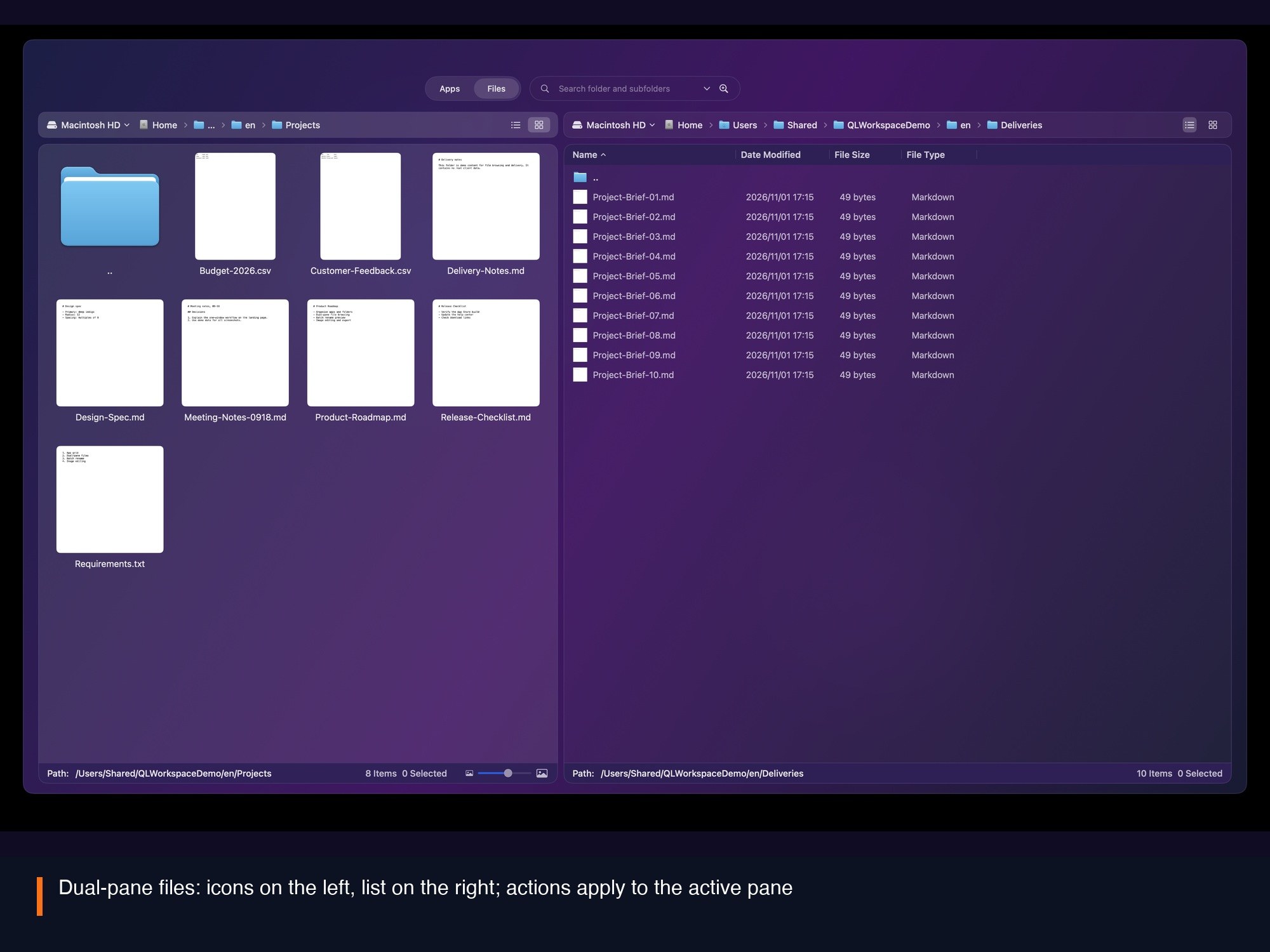
Open two folders side by side; copy, move, and preview act on the active pane.
Browse the photo library, preview with Space, and create ZIP or encrypted ZIP archives.
Create text, Markdown, and Office files from built-in templates.
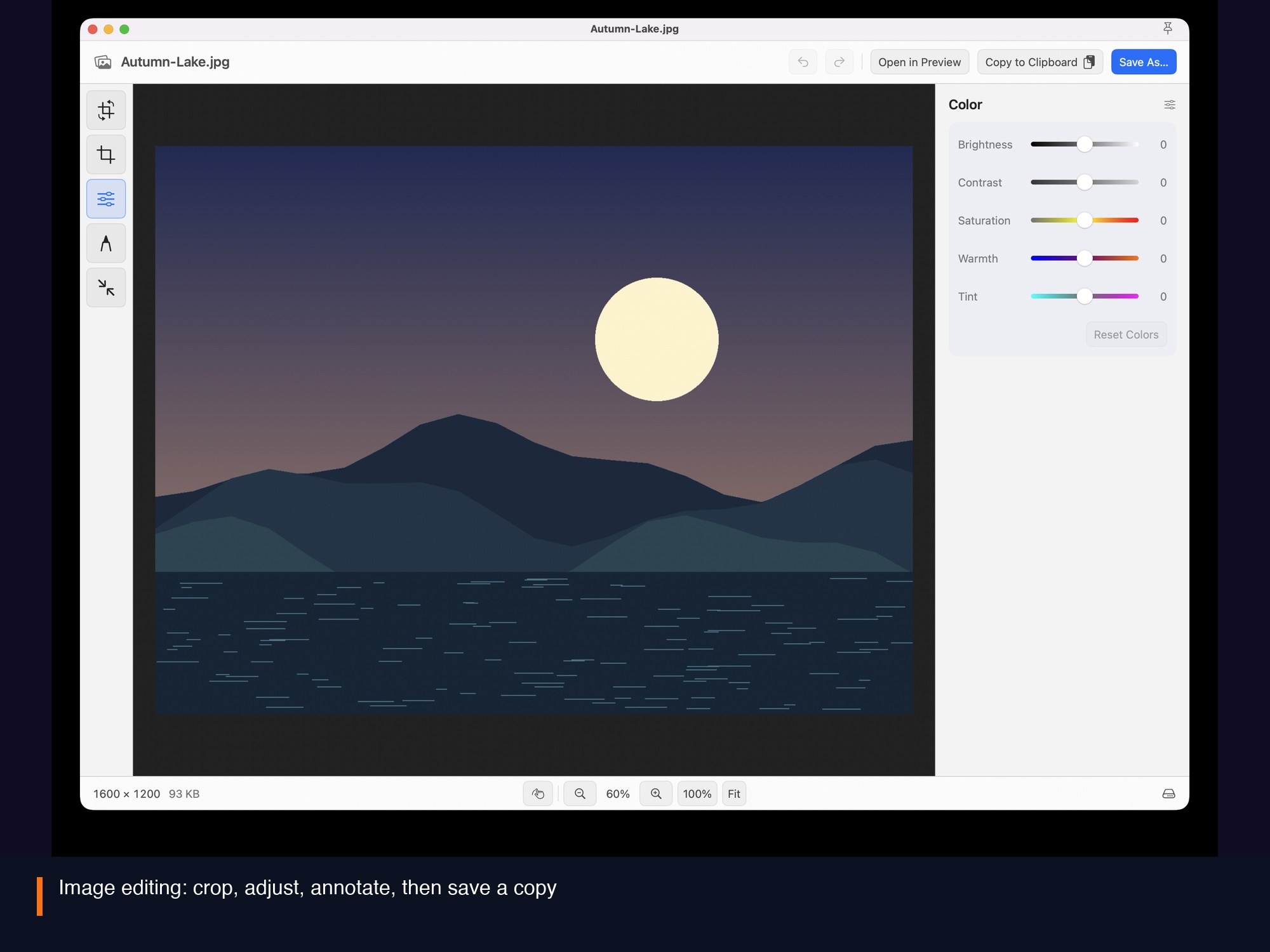
Crop, rotate, adjust, annotate, and save a copy. Library photos are never overwritten.
Back up layouts and settings with system iCloud and choose a restore point; files and keys are not included.
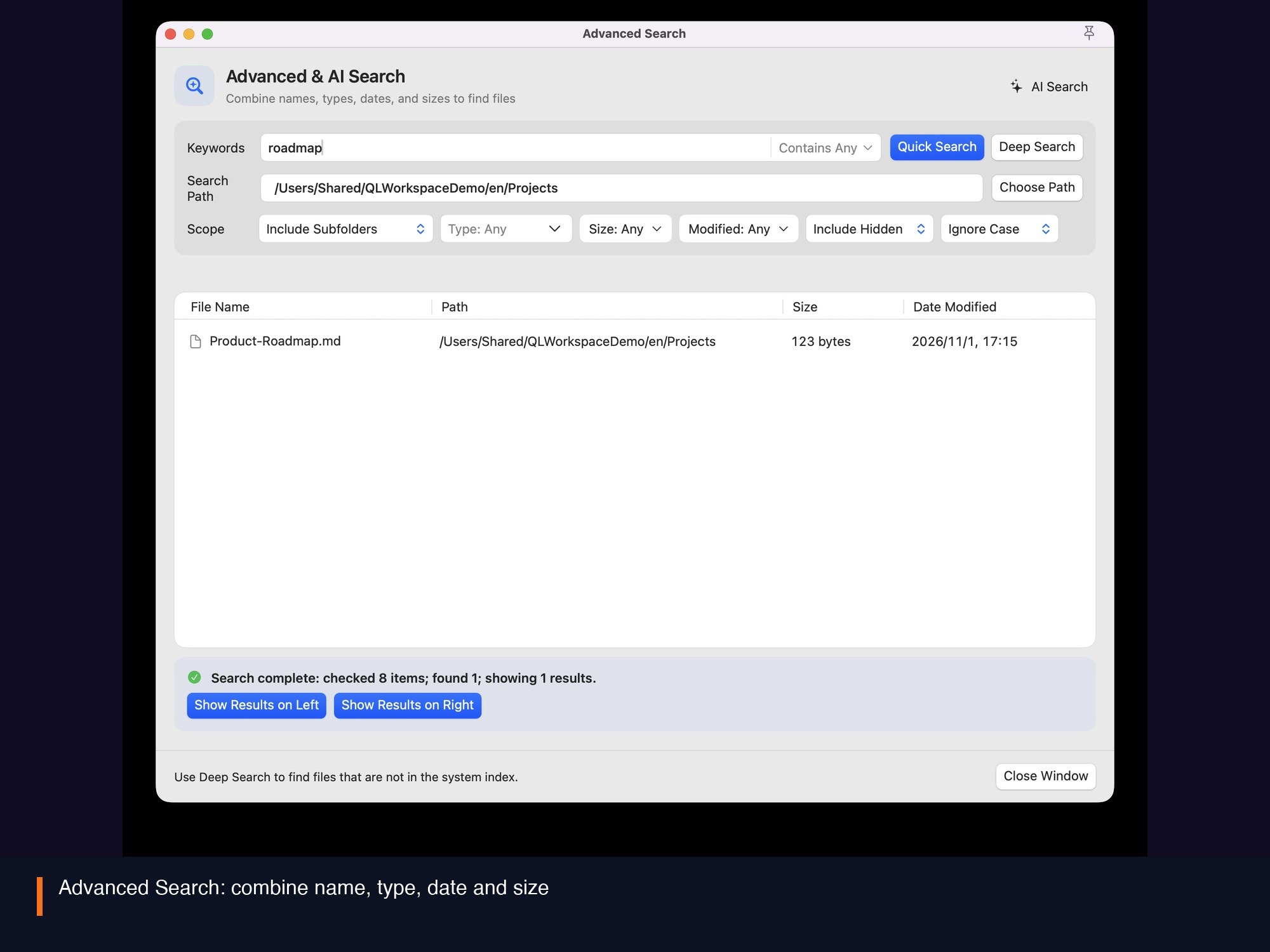
Combine name, type, date, and size, or describe what you need in plain language.
Combine numbering, add, and replace rules with a live preview, or let AI suggest names.
Review an AI grouping plan before applying it, and switch appearance profiles.
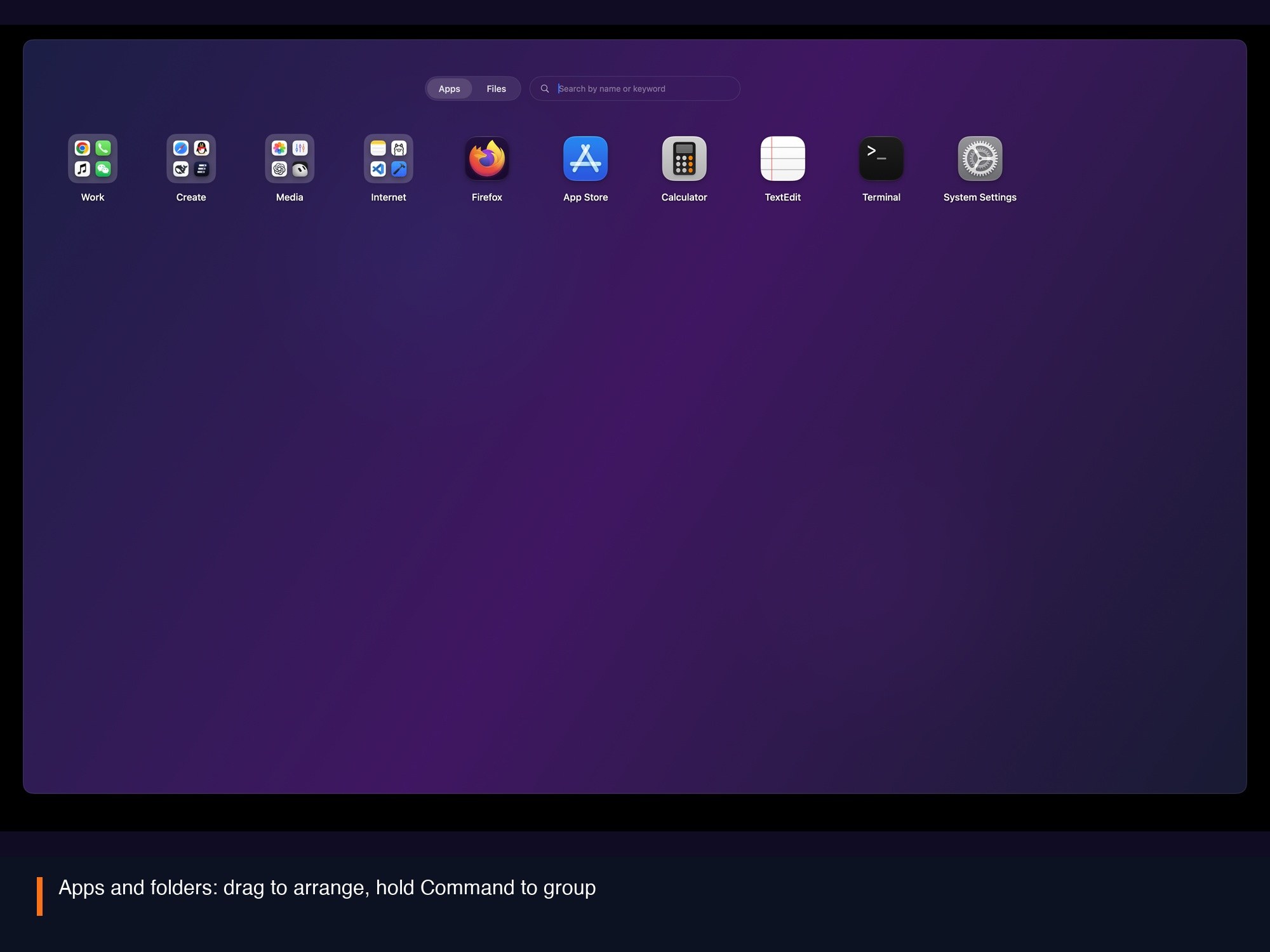
Highlights / 3
Drag to arrange; hold Command to create or move folders. Changes affect the launcher layout only.
Highlights / 4
Icons on one side, a list on the other; copy, move, create, and compress act on the active pane.
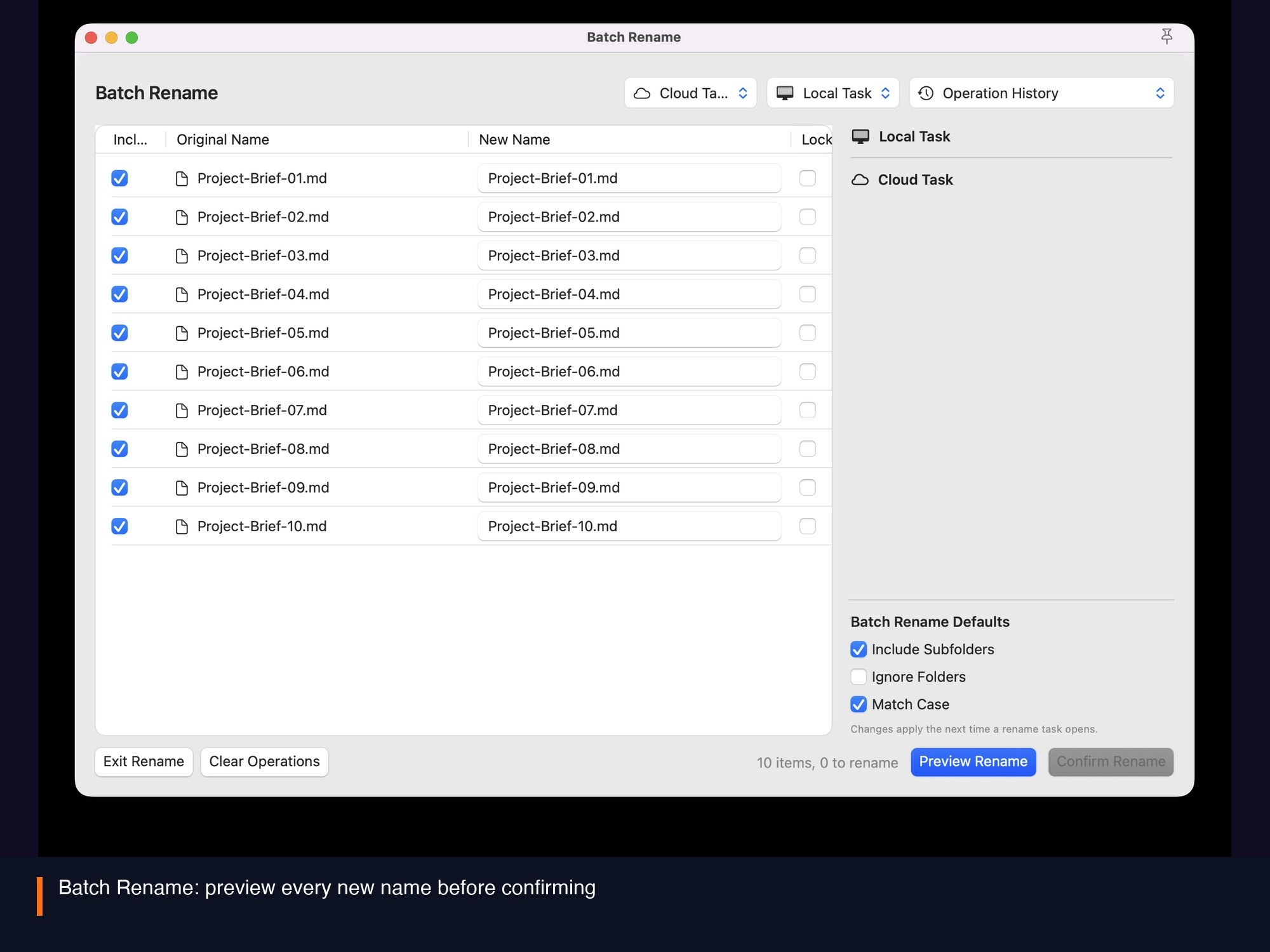
Highlights / 5
Combine numbering, add, replace, delete, and extension rules, then review the new names. Files change only after you confirm.
Highlights / 6
Crop, rotate, adjust, annotate, and save a copy. Library photos are exported as working copies, so originals stay untouched.
Highlights / 7
Combine name, type, date, and size, or describe the search. AI search sends only your description after you confirm, not file contents.
QuickLight
The Mac App Store edition installs and updates through the App Store. The Direct edition provides an installer and in-app updates. Premium features and licensing differ; see the full comparison on the download page. File browsing, image editing, and local search run on your Mac. AI features send only the necessary text after you confirm, and the API key stays in the system Keychain.
Resources
Choose how to install, or learn about features, licensing, and privacy first.
ONE APP · TWO EDITIONS
Most features are shared. Edition-specific behavior and licensing are listed below. Apple purchases and website licenses are separate.
| Feature | Mac App StoreStore edition | Direct editionOfficial download |
|---|---|---|
| Everyday features | App organization, file browsing, image tools and local search | same |
| AI, themes, batch rename and advanced search | Lifetime VIP required; AI usage is supplied separately by your provider | same |
| Basic iCloud backup and restore | Free; system iCloud account required | same |
| Window presentation | Standard macOS window | Standard, wide and full-screen presentation modes |
| Installation and updates | Installed and updated by the Mac App Store | Official installer and in-app updates |
| Premium licensing | Apple In-App Purchase and Restore Purchases | Website account and device license |
| Device activations | Uses Apple purchases and restoration; separate from website activations | A valid website VIP license supports up to 3 Macs active at once per member |
| License scope | Applies to the Store edition; no website activation | Applies to the Direct edition; does not replace Apple purchases |
The App Store description and in-app purchase screen describe the Store edition. See the download page for release availability.